October 8, 2026
How to read a spray-ready patch map before loading the rig
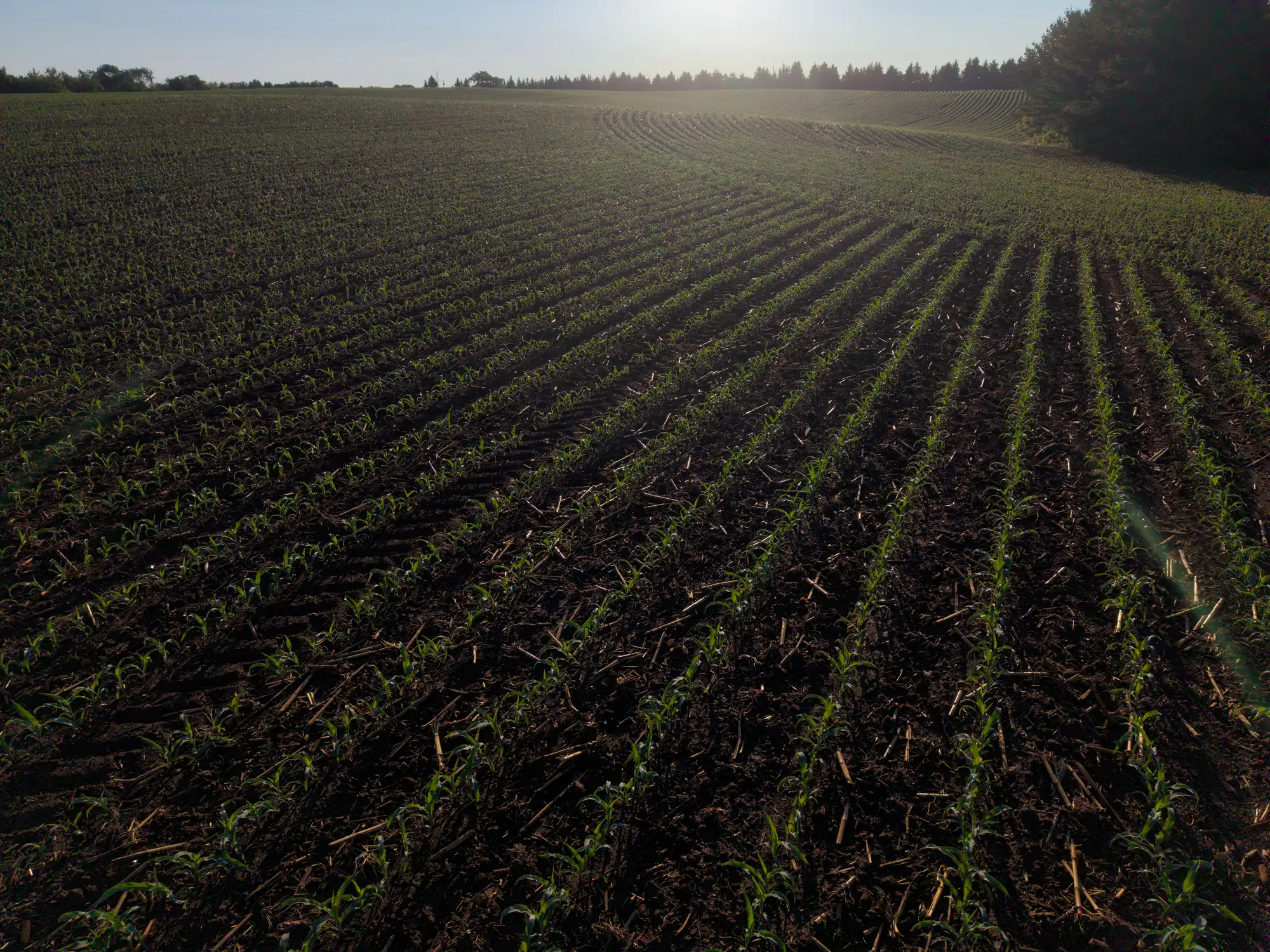
A patch map that doesn't match your rig is just a pretty picture. Before you load product and roll out, you need to know three things cold: where the patches sit relative to your pass lines, which boom sections they'll trip, and whether the window you're reading still matches the window you're spraying in.
What the map is showing you
A spray-ready patch map comes from a single pass of imagery, flown close enough to the crop that weed and crop separate at leaf scale, where a shadow and a weed cluster show up as two different things on the map. That means the map is only as current as the flight behind it. If three days of growth or a rain event sit between the flight and your load time, walk the headland first and spot-check a patch or two against what the map shows. Most of the time it holds. Sometimes a flush comes up after a warm, wet stretch and the map is already behind it.
Read the patch boundaries as treatment zones, not suggestions. The map draws the square metres that need product and leaves the rest off the treat map entirely. If a patch boundary runs diagonally across two rows, that's real. Don't round it to the nearest row line out of habit.
Matching the map to your boom sections
This is where most of the value gets lost if you skip it. A patch map is only useful if it lines up with how your boom actually shuts sections on and off. Before loading, overlay the map against your section width and spacing, not just your field boundary. A patch that's two metres wide might trip one section or straddle two, and that changes how tight your shutoff timing needs to be.
Walk your section layout against the map and ask where the boundaries fall relative to section edges, not row centres. If your section control runs on a lag, build that lag into your mental model before you're in the cab watching a patch come up on the screen. A map that's accurate to the leaf doesn't help if your section shutoff fires half a second late every time.
Check nozzle height and pattern against the patch widths you're seeing too. A patch map built for spot spraying assumes you're narrowing the kill zone down to the patch, rather than blanket-rating the pass because the sections are too coarse to bother.
Timing it to the spray window
A patch map is tied to the pass that flew it, so it's a snapshot of a single point in time. Treat each new pass as its own map rather than something you keep in the cab for the season. Weather and growth stage move faster than most operations re-fly, so check your spray window against the flight date before you commit product to the tank.
If the window's tight and you're deciding between spraying off a map that's a few days old or going blanket to be safe, that's a judgment call specific to the weed pressure you're dealing with and the crop stage you're protecting. The map gives you the patch locations. It doesn't make that call for you.
Before you load, run through this short list: flight date versus today's date, patch boundaries against section width, and shutoff lag against patch size. If all three line up, you're spraying the patch and not the field.
If you're scheduling runs this week and want to see how a patch map lines up with your boom sections, Weed Mapping's landing page walks through how the deliverable is matched to the pass that flew it.